Self-Employed Registration in Latvia (VID EDS) 2026
July 28, 2026 · 6 min read
Your first invoice to a client may feel like the real starting point, but before that you need to register as self-employed with the State Revenue Service (VID). You do this in VID's Electronic Declaration System (EDS), and once registered you can officially work in your own name.
When you register a business activity, VID asks for the type of activity, the start date and a few other details. Registration is free and can be done remotely, but before you submit the form it is worth understanding the tax obligations that follow.
Key points
A self-employed person (pašnodarbinātais) is an individual who earns regular income from their own business activity, for example design, translation, consulting or repair services. For tax purposes, this person is a saimnieciskās darbības veicējs, an individual carrying out business activity.
- You register your business activity with VID in EDS before you start.
- In the EDS form you state the type of activity, the start date and other required details.
- After registration you must record income and expenses, issue properly prepared invoices and file reports and returns on time.
- Your personal income tax (IIN), social insurance contributions (VSAOI) and VAT (PVN) obligations depend on your income, the tax regime you choose and the type of activity.
Before you submit the application, you can check the current rules in VID's information for self-employed persons.
When you must register a business activity
Registration is required if the activity is independent, systematic and aimed at earning income. The Latvian Personal Income Tax Law sets three criteria, and meeting any one of them is enough:
- three or more transactions in a year (or five or more transactions over three years);
- income from transactions exceeds EUR 14,229 in a year;
- the economic substance of the activity shows it is systematic and aimed at earning a reward.
A one-off private transaction, such as selling your own used furniture, is usually not a business activity. Providing services regularly to several clients usually is.
What matters is what you actually do, not what you call it. If you write texts for clients every month, photograph events or sell goods you make yourself, do not put off registration until the first big payment arrives.
Registering as self-employed with VID is not the same as setting up an SIA (limited liability company). You do not create a new legal entity in the Register of Enterprises: VID registers you, as a private individual, in the Taxpayer Register as a person carrying out business activity.
The start date you give in the application is the reference point for your records and tax obligations, so enter the real date.
Registering as self-employed in VID EDS
Since 1 January 2026, you can no longer log in to EDS with a username and password. You now need a secure electronic identification method: an eID card, eParaksts or eParaksts mobile, qualified Smart-ID, or a Latvian bank's internet banking. Before you start, check that your login method works.
Once you are logged in, follow these steps (EDS labels are given in Latvian with a translation):
- Open "Dokumenti" (Documents) and choose "Izveidot jaunu dokumentu" (Create a new document).
- Select the group "Nodokļu maksātāju reģistrācijas un datu izmaiņu veidlapas" (taxpayer registration and data change forms).
- Open the form "Nodokļu maksātāja (fiziskās personas) reģistrācija" (registration of a taxpayer who is a natural person).
- Indicate that you are registering a business activity and, if you choose the micro-enterprise tax, also submit an application for micro-enterprise taxpayer status.
- Fill in the required fields, check the details and submit the document.
The form usually asks for the type of activity, the place of activity, the start date and the nature of the planned work. The type of activity is set using the NACE classification, so pick the code that matches your main source of income. You must report your main activity to VID within a month of registration. If your services change later, you can submit a data change in EDS.
VID enters you in the Taxpayer Register within three working days. Keep an eye on your EDS messages in case VID asks for clarification.
What to sort out right after registration
Registration does not put your paperwork in order by itself, so start keeping records straight away. On day one, decide where you will store invoices, receipts, contracts and other supporting documents. Under the general tax regime, bookkeeping is usually kept in the single-entry system: every income and expense item is entered in an income and expense journal. A separate bank account for the business is not mandatory, but it makes your income and expenses much easier to review.
On the invoice, state your first name, surname and taxpayer registration code (for a self-employed person this is the personal identity code), the client's details, the invoice number and date, a description of the goods or services, the quantity, price and total, and the payment due date. If you are not registered for VAT, do not show a VAT rate or VAT amount. If you are a VAT payer, the invoice must also include your VAT number, the VAT rate and the tax amount.
You can prepare invoices with Numbero. Our guide to issuing an invoice explains step by step what an invoice must contain. If you transport or deliver goods, you may also need a waybill (pavadzīme).
An e-invoice is a structured electronic document, not a PDF attached to an email. If you invoice a state or municipal institution, a structured e-invoice is already mandatory; between businesses it becomes mandatory from 1 January 2028. E-invoice exchange is governed by Cabinet Regulation No. 749, while the required details of supporting documents are set by the Accounting Law.
IIN, VSAOI and VAT: the basics
When you register a business activity, you must choose a tax regime. In practice there are two options: the general tax regime or the micro-enterprise tax (MUN). The reduced patent fee (samazinātā patentmaksa) remains only for a narrow group: pensioners and people with group I or II disability working in certain crafts and household services.
General regime: IIN and VSAOI
Under the general regime you pay personal income tax (iedzīvotāju ienākuma nodoklis, IIN) on your profit, meaning income minus business-related expenses. Back up every expense with a document. IIN is calculated once a year in the annual income tax return, filed between 1 March and 1 June (or between 1 April and 1 July if your annual income exceeds EUR 105,300). In 2026 the IIN rate is 25.5%, and 33% on annual income above EUR 105,300. The annual non-taxable minimum is EUR 6,600.
Mandatory state social insurance contributions (valsts sociālās apdrošināšanas obligātās iemaksas, VSAOI) are calculated monthly on your profit but declared once a quarter in the self-employed person's report (pašnodarbinātā ziņojums): by 17 January, 17 April, 17 July and 17 October. Contributions are due by the 23rd of the month following the quarter. If your monthly profit is at least EUR 780 (the 2026 minimum wage), you pay 31.07% on at least EUR 780 and 10% for pension insurance on the rest. If your profit is lower, you pay only 10%. If you had no income in a quarter, you do not file a report for it.
Micro-enterprise tax
MUN (mikrouzņēmumu nodoklis) is 25% of turnover, and expenses cannot be deducted. The tax covers both IIN and social contributions. You can choose MUN if your annual turnover will not exceed the VAT registration threshold of EUR 50,000. The MUN return is filed for each quarter with turnover by the 15th of the following month, and the tax is paid by the 23rd.
From 1 April 2027, a starter micro-enterprise tax (10%) will also be available to people who provide services only to private individuals and whose turnover does not exceed EUR 12,000. Only those who have not had a registered business activity in the two previous years will be able to choose it.
Which regime works out better depends on your income and expenses. Our self-employed tax calculator gives a rough comparison of the two.
VAT
You must register as a value added tax (pievienotās vērtības nodoklis, PVN) payer once your taxable transactions exceed EUR 50,000 in a calendar year. You may have to register earlier, regardless of turnover: if you provide services to a business registered in another EU country, if you receive services from a foreign company that does not operate in Latvia, or if your purchases of goods from other EU countries reach EUR 10,000 in a year.
Do not register for VAT just because a client mentions it. First check whether registration is mandatory for you or makes business sense. A VAT payer loses micro-enterprise taxpayer status from the following year, and the content of your invoices changes too. Our VAT calculator makes it easy to convert prices with and without VAT.
Common mistakes to avoid
Many people start working, get paid and only then think about registration. It is safer to submit the application in EDS first, then sign the contract and issue your first invoice.
The second common mistake is a vague service description on the invoice. The word "services" does not tell the client what they are paying for. Be specific, for example "editing website copy, June 2026" or "event photography, 12.06.2026".
Third, do not put off reviewing your tax regime. Make sure the regime you chose fits your real income and expenses. A poor choice often only becomes clear when you file the annual return, and if you are already registered you can switch to MUN only from the next year by applying by 15 December.
Keep track of deadlines. The general regime has no monthly returns: the self-employed person's report is filed quarterly and the annual income tax return once a year. A MUN payer files a quarterly MUN return. If you are a VAT payer or employ staff, VAT returns and employer reports are added.
If you stop working, close your business activity in EDS straight away: submit a change to your registration data and state the end date. While the activity remains registered, you must still file the annual return even if you had no income, and under the general regime a minimum IIN of EUR 50 may apply from the third year of activity.
Frequently asked questions
What do I need to register as self-employed with VID?
To log in to VID's Electronic Declaration System (EDS), you need a secure electronic identification method such as Smart-ID, eParaksts mobile or an eID card. Then fill in and submit the natural person taxpayer registration form in EDS, stating the type of business activity and the planned start date.
Do I have to pay to register a business activity with VID?
No. Registering a business activity with the State Revenue Service is free, can be done fully online in EDS, and VID enters you in the Taxpayer Register within three working days.
When is registering a business activity mandatory?
When you have three or more transactions in a year, when your income exceeds EUR 14,229 in a year, or when the nature of the activity shows it is systematic and aimed at earning a reward. You must register before you start, not after the first payment arrives.
How often do I file the self-employed person's report?
Once a quarter, by the 17th of the month following the quarter, and only for quarters in which you had income in at least one month. VSAOI must be paid by the 23rd of the same month.
Conclusion
Registering as self-employed with VID is the first practical step to turning your work into an official business activity. If you choose a suitable tax regime and keep records from the start, bookkeeping and paying taxes do not become a burden. An EDS application, tidy invoices and careful records reduce uncertainty from your very first client payment.
Keep reading
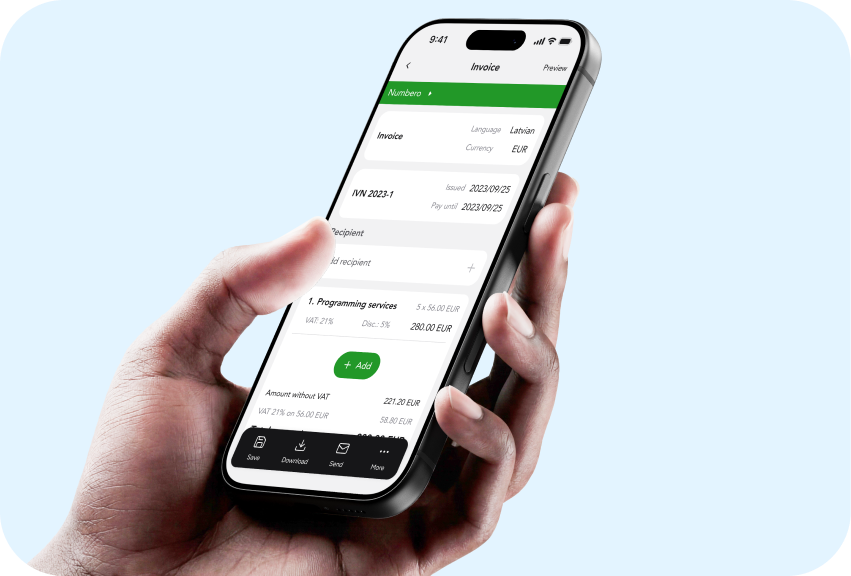
Invoice Requirements in Latvia 2026: Mandatory Details
What a VAT invoice and a non-VAT invoice must show in Latvia in 2026: Article 125 details, numbering, the 15-day deadline, advances, e-invoices and a sample.
Oct 8, 2026 · 4 min read
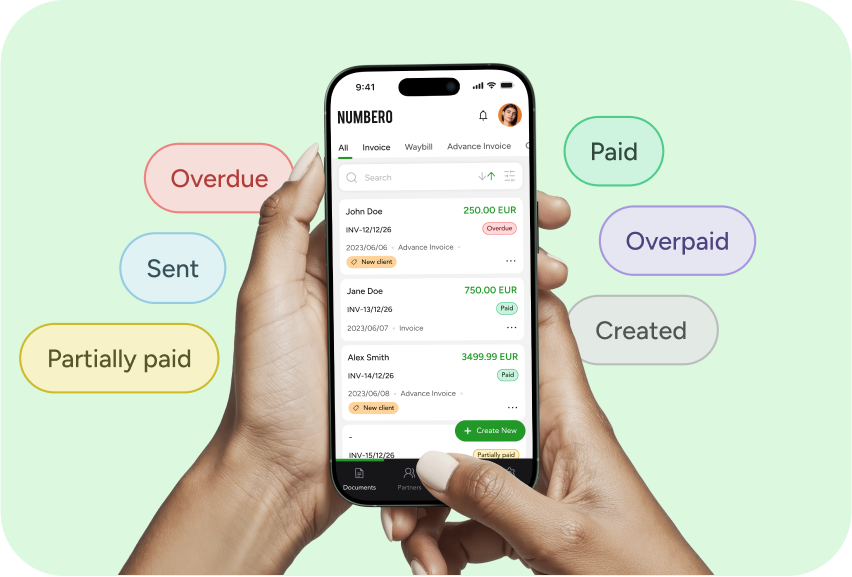
What is an E-Invoice? Numbero Experts Weigh In
Fed up with office shelves bursting with paper invoices? It's time to consider switching to e-invoices. Explore their benefits in this article.
Oct 6, 2026 · 2 min read
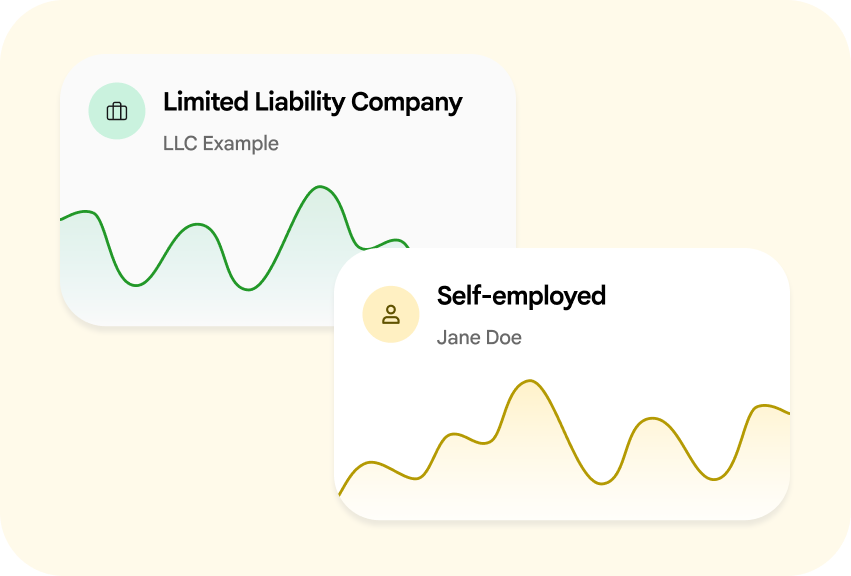
Self-Employed or SIA in Latvia 2026: Choose by Profit
Self-employed or SIA? Compare taxes, liability, costs and how you use your profit to choose the right business form for your work in Latvia in 2026.
Aug 5, 2026 · 7 min read