Invoicing API
The Numbero public API connects invoicing with your online store, warehouse software or CRM. Your system creates and sends documents and manages partners and the product catalog on its own, so nobody enters the same data twice.
- Create documentsCreate invoices, advance invoices, credit notes, offers and waybills from your own system.
- Send documentsEmail a created document to your client with a single API request.
- List documentsFilter documents by type, status, date or client and use the data in your own reports.
- Partner databaseCreate, update and delete partners so client data matches across all your systems.
- Product and service catalogManage products and services in one place and use them in new documents.
- Secure API keysCreate a separate key for each integration with its own permissions, expiry date and IP address restrictions.
Invoicing that works with your systems
The Numbero API connects invoicing with your online store, warehouse software or CRM. If orders, clients or products already live there, you do not need to enter them again, and documents can be created and sent automatically.
Create and send documents from your own system
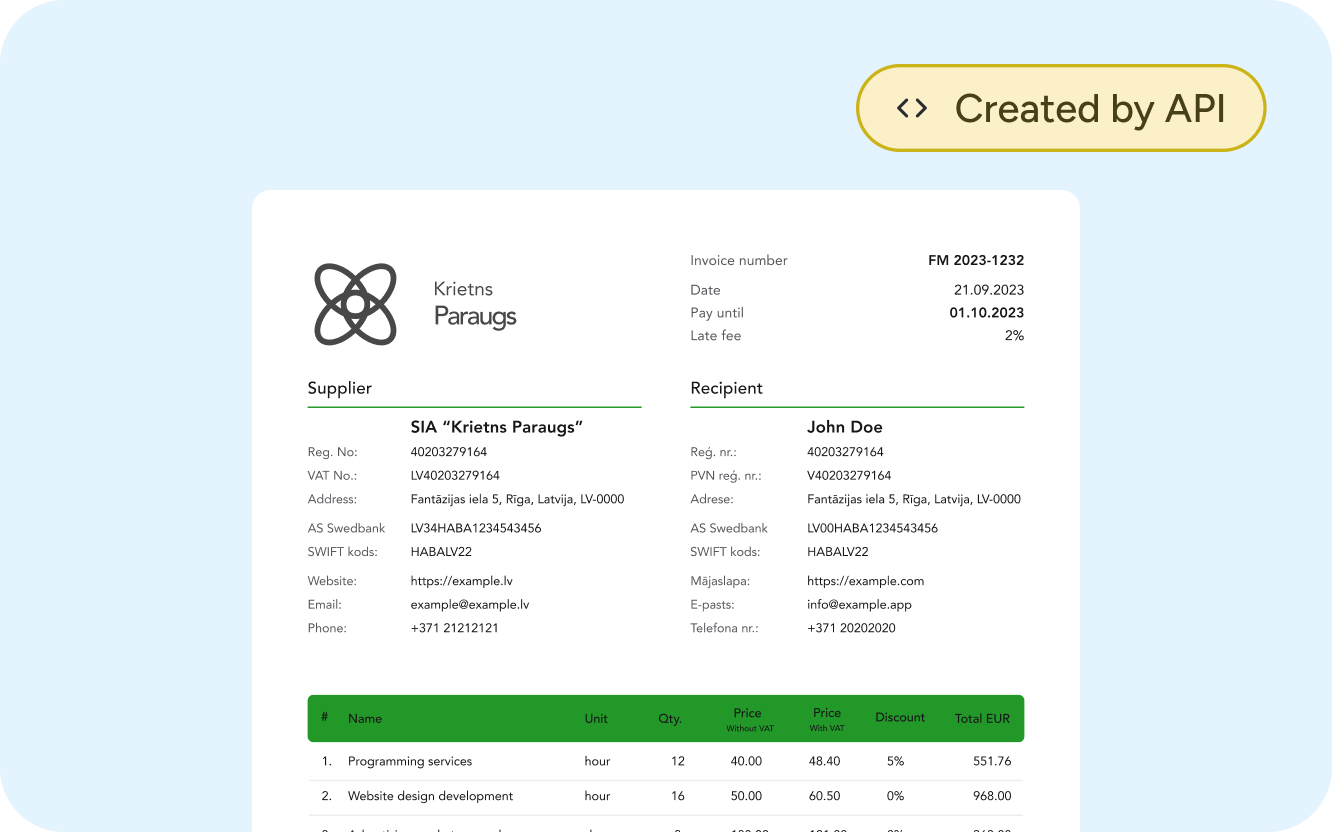
Use the API to create invoices, advance invoices, credit notes, offers and waybills, then email the document to your client with the next request.
For example, when a buyer pays for an order in your online store, your system creates the invoice in Numbero and sends it to the buyer right away.
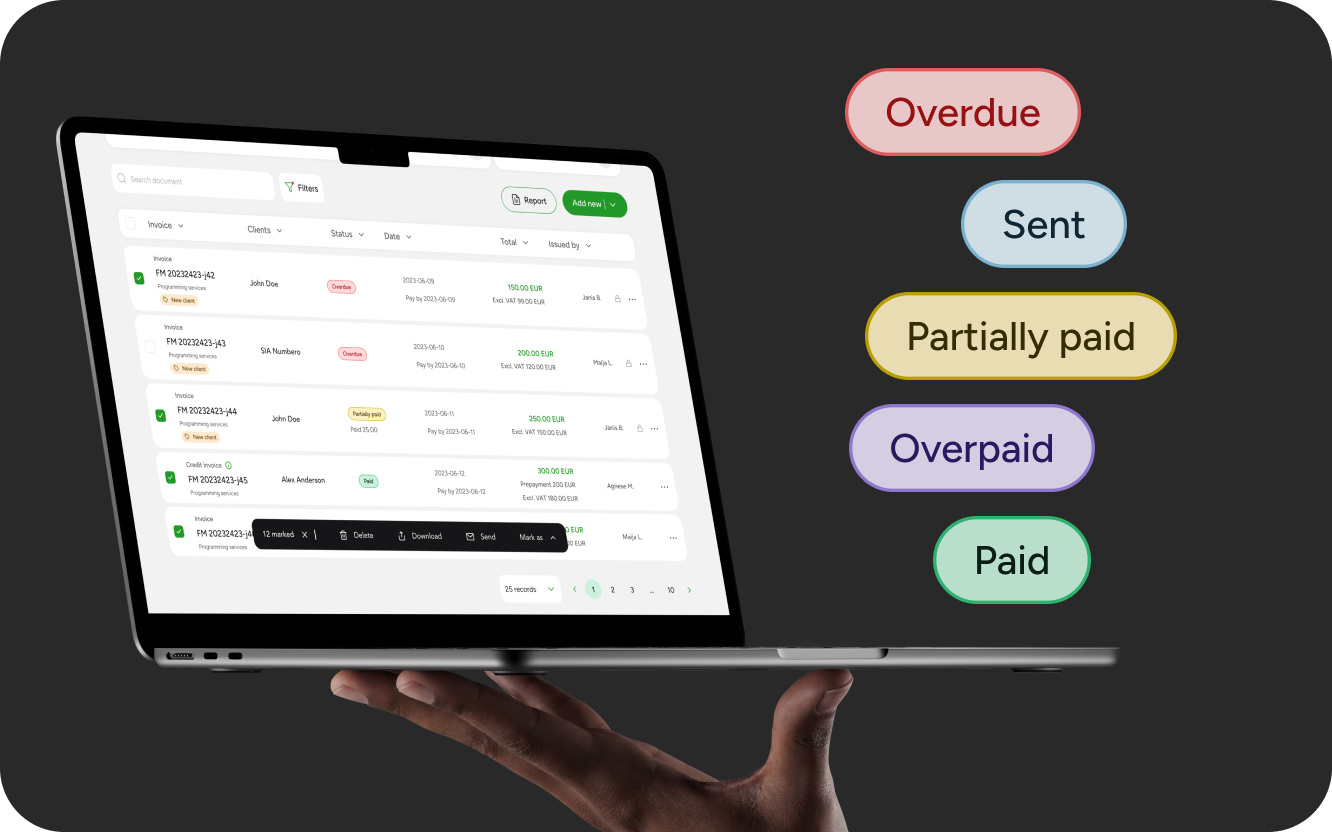
Document list and payment statuses
Filter documents by type, status, date or client and use the data in your reports or accounting workflow.
Your system then knows which invoices are sent, paid, partially paid or overdue.
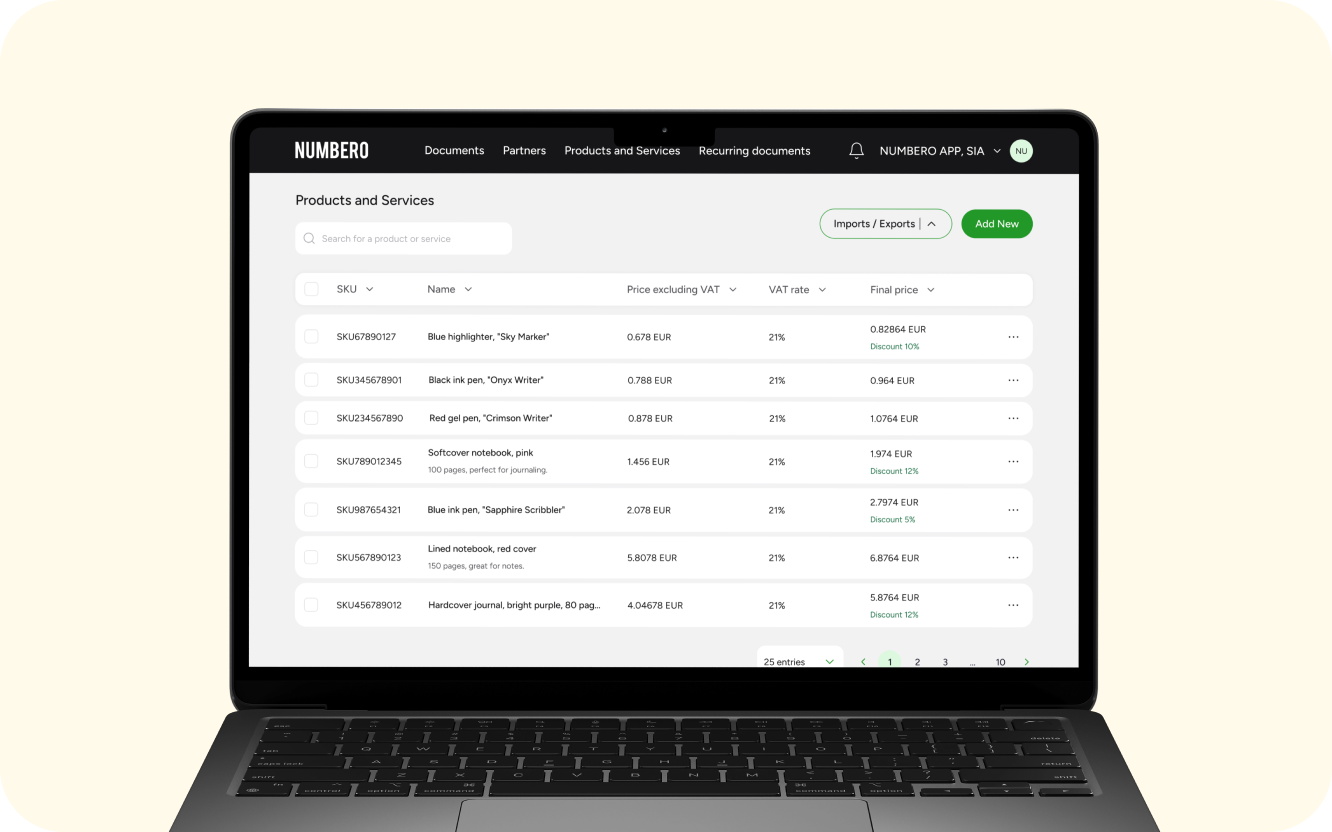
Partners and products without double entry
Manage your partner database and your product and service catalog straight from your own system.
When a client's details or a product price change in your system, pass the change to Numbero, and the next document will already have the current data.
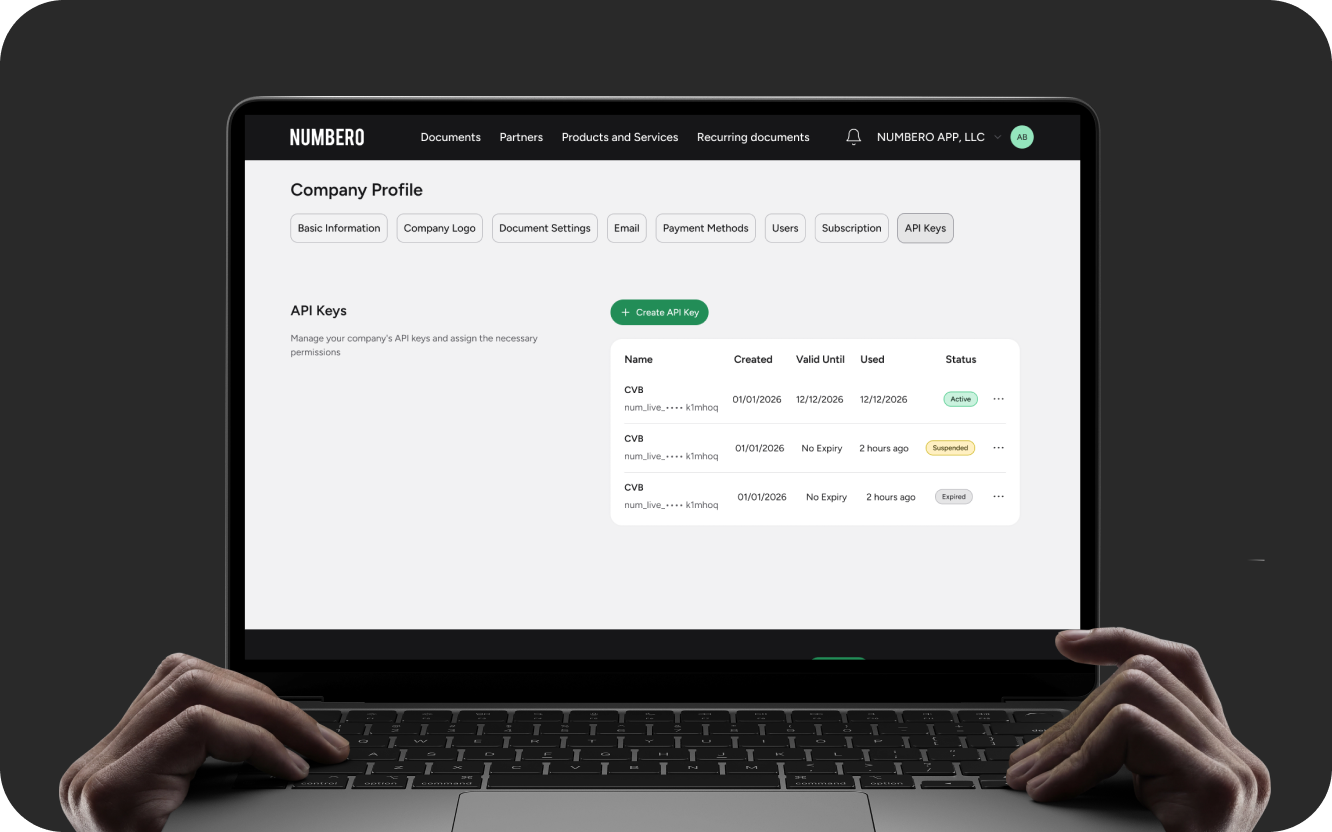
API keys in your company settings
You create and manage API keys in your company settings. Give each integration its own key with only the permissions it needs.
Numbero shows the full key only once, so store it on a server or in a secure password manager.
When creating a key, you can set
- a name for the key
- an expiry date up to 365 days
- access and permissions
- allowed IPv4 and IPv6 addresses or CIDR ranges, for example 192.168.1.0/24
If you no longer trust a key, revoke it. Your other integrations keep working with their own keys.
Documentation for developers and AI agents
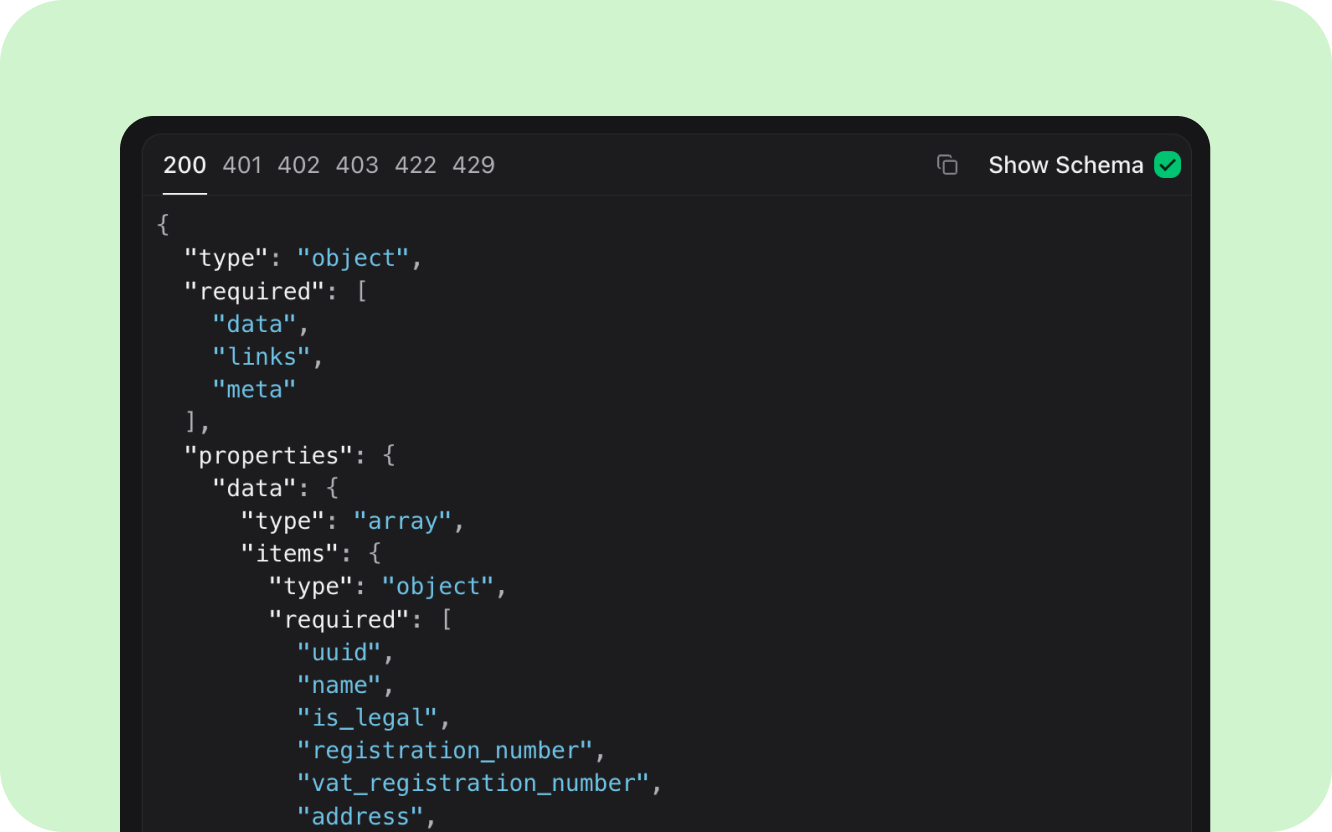
Numbero is invoicing software with a public API that uses JSON over a secure HTTPS connection. Your company API key authorizes every request.
The full API documentation with code examples is in English at docs.numbero.app. You can try requests there with your own API key.
If you build the integration with an AI coding agent, give it llms.txt. It is a condensed Markdown version of the docs with the core requests and examples.
Requests work with your real company data, including on the documentation page. Documents created while testing appear in your document list, and your client really receives any document you send.
Who can use the API
The API is available during the trial period and on Unlimited and higher plans. Unlimited includes up to 1,000 API requests per subscription period, and Unlimited Plus has no request limit. You can change your plan under Company profile → Subscription.
Invoices from data you already have
Connect Numbero to your online store, warehouse or CRM and issue invoices from the data that is already there.