Send invoices from your company email
Add your SMTP server settings, and invoices, waybills and other documents will reach your clients from your company email address instead of noreply@numbero.app.
- A sender clients knowClients get the email from an address they already know, so it is easier to recognize.
- Sent folder supportIf your email provider supports it, sent documents appear in your Sent folder next to the rest of your correspondence with the client.
- Separate reply-to addressSend from one address and receive client replies in another, for example your accounting inbox.
- Connection testTest the connection before sending to make sure everything works.
- Failure alertsIf sending through your server fails, Numbero notifies you in your company profile so you can check the settings and resend the document.
- Encrypted credentialsSMTP credentials are stored encrypted, and Numbero uses them only to send documents.
Documents from your company email address
Numbero sends documents through your SMTP server. Invoices, waybills and other documents reach your clients from your company email address instead of noreply@numbero.app.
You still prepare and send documents in Numbero. Only the sender address your client sees in their inbox changes.
A sender your client recognizes
Your client gets the email from an address they already know, so it is easier to recognize.
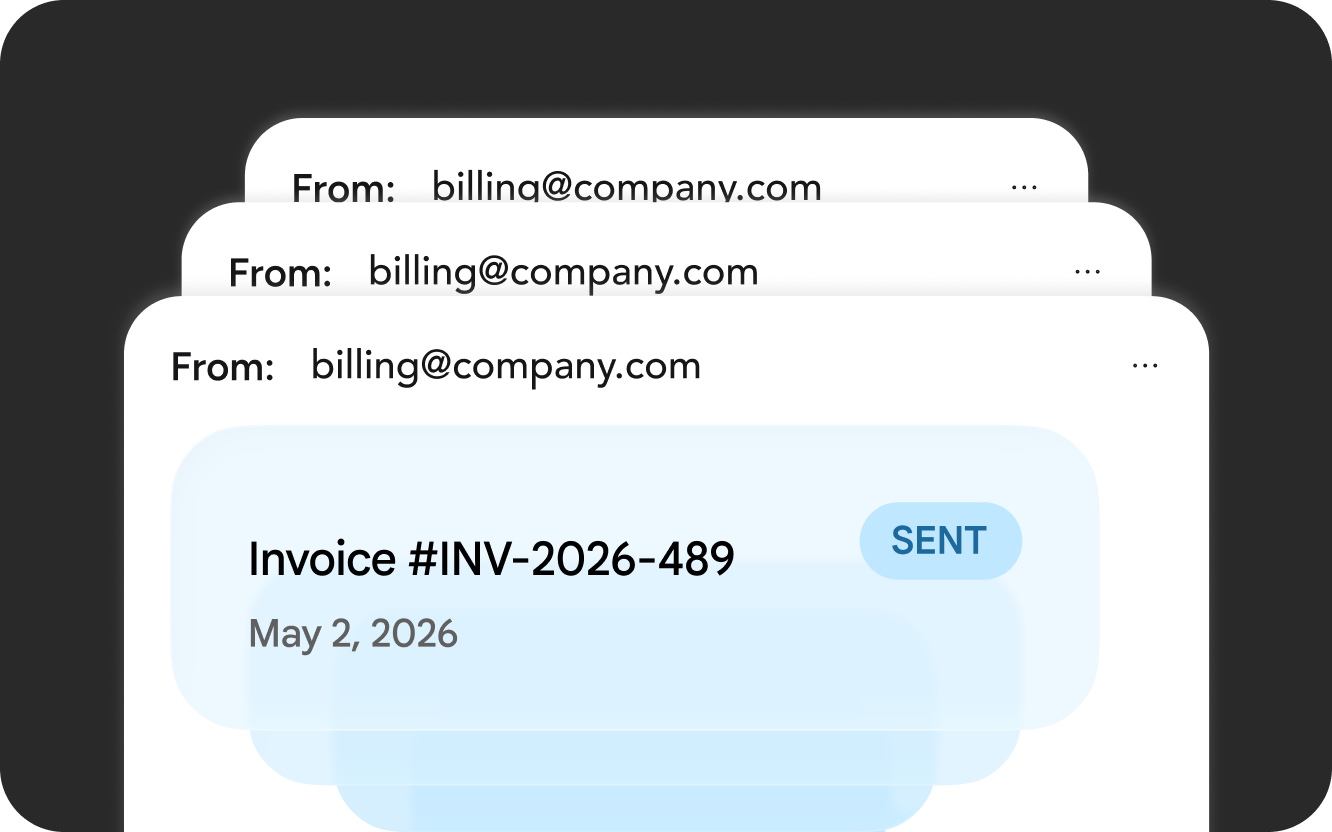
Sent folder support
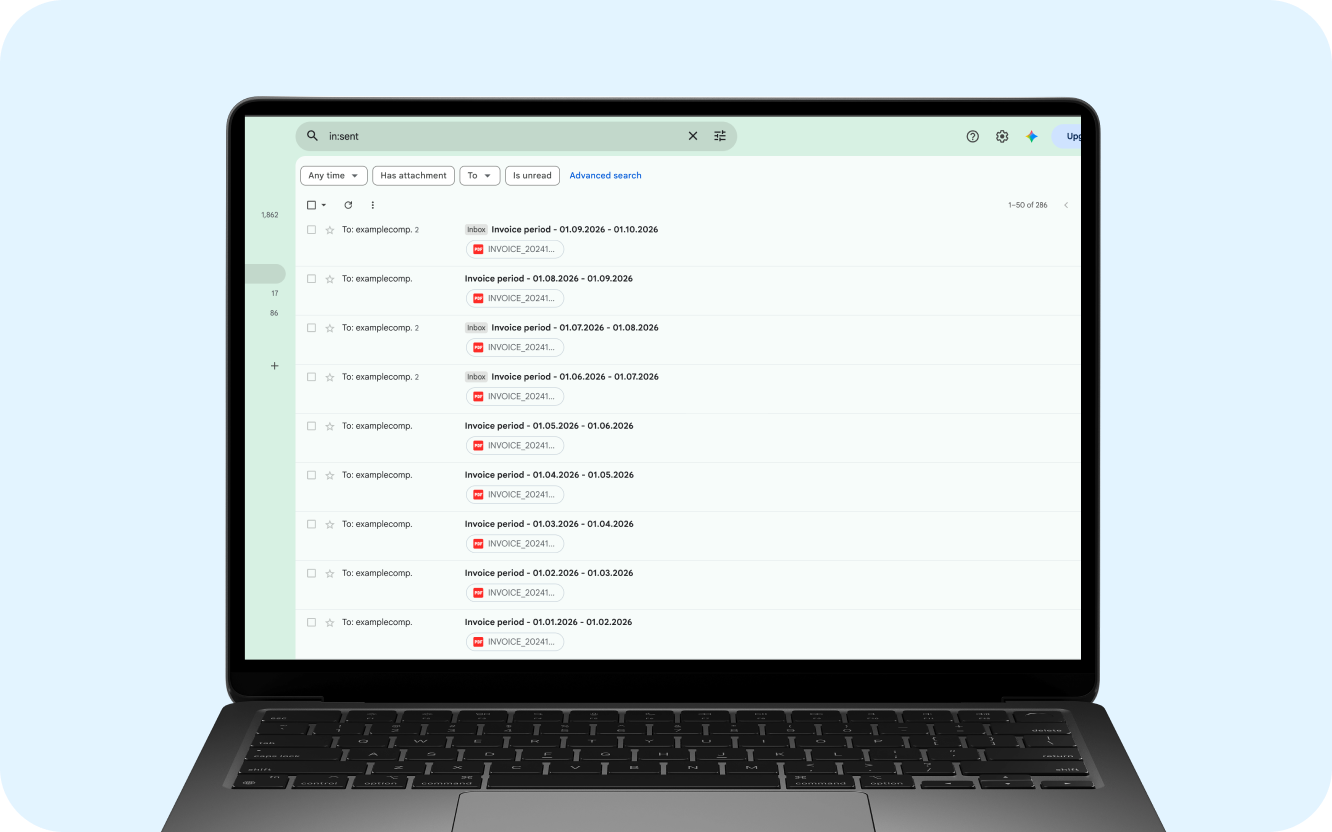
If your email provider supports it, sent documents appear in the Sent folder of your mailbox next to the rest of your correspondence with the client.
You can also set a separate reply-to address. For example, send invoices from invoices@yourcompany.com and receive client replies in your accounting or customer service inbox.
SMTP server setup
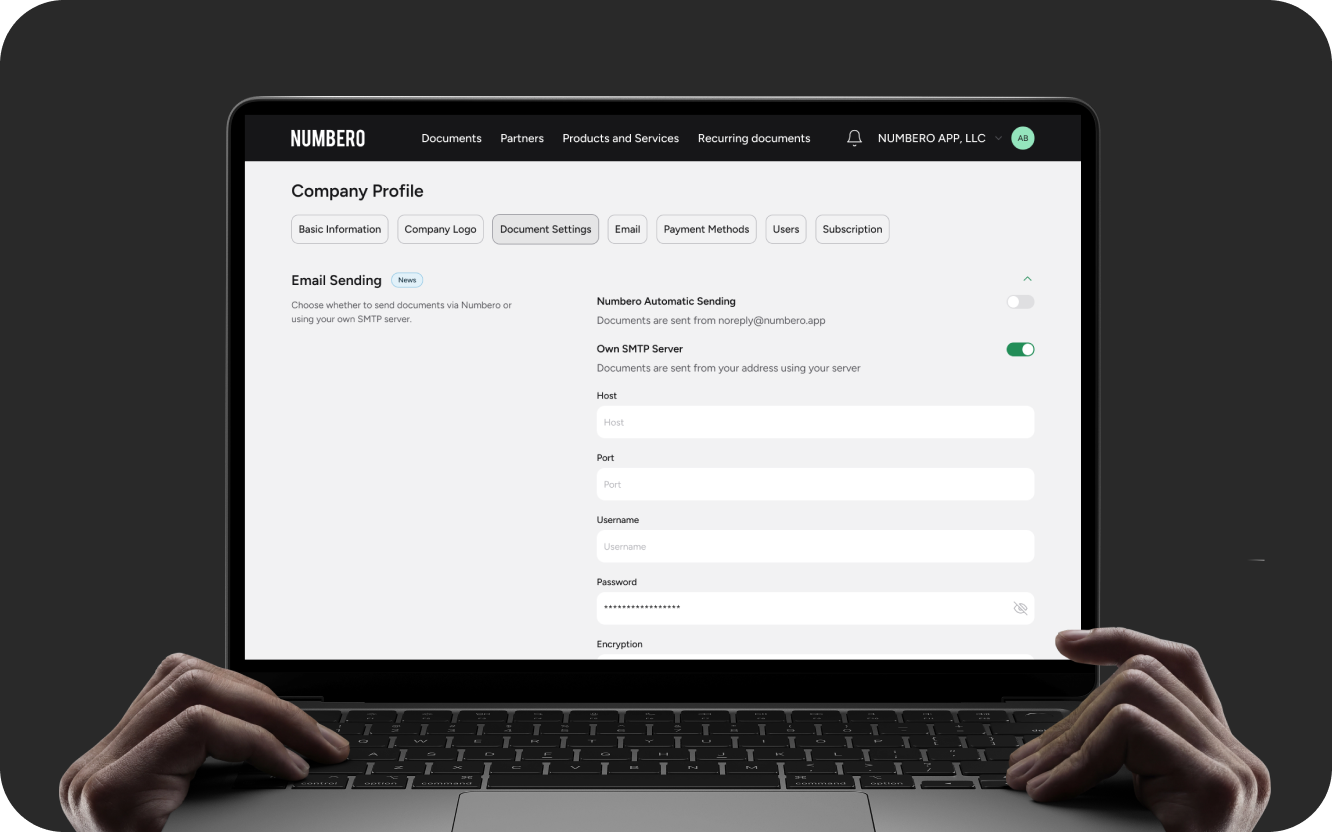
Open Company profile → Document settings → Email sending and enter your SMTP server address, port, user name and password. Test the connection before you start sending.
Once the test succeeds, all documents are sent from your email. If SMTP is not set up, documents are sent from noreply@numbero.app as before.
A notice when sending fails
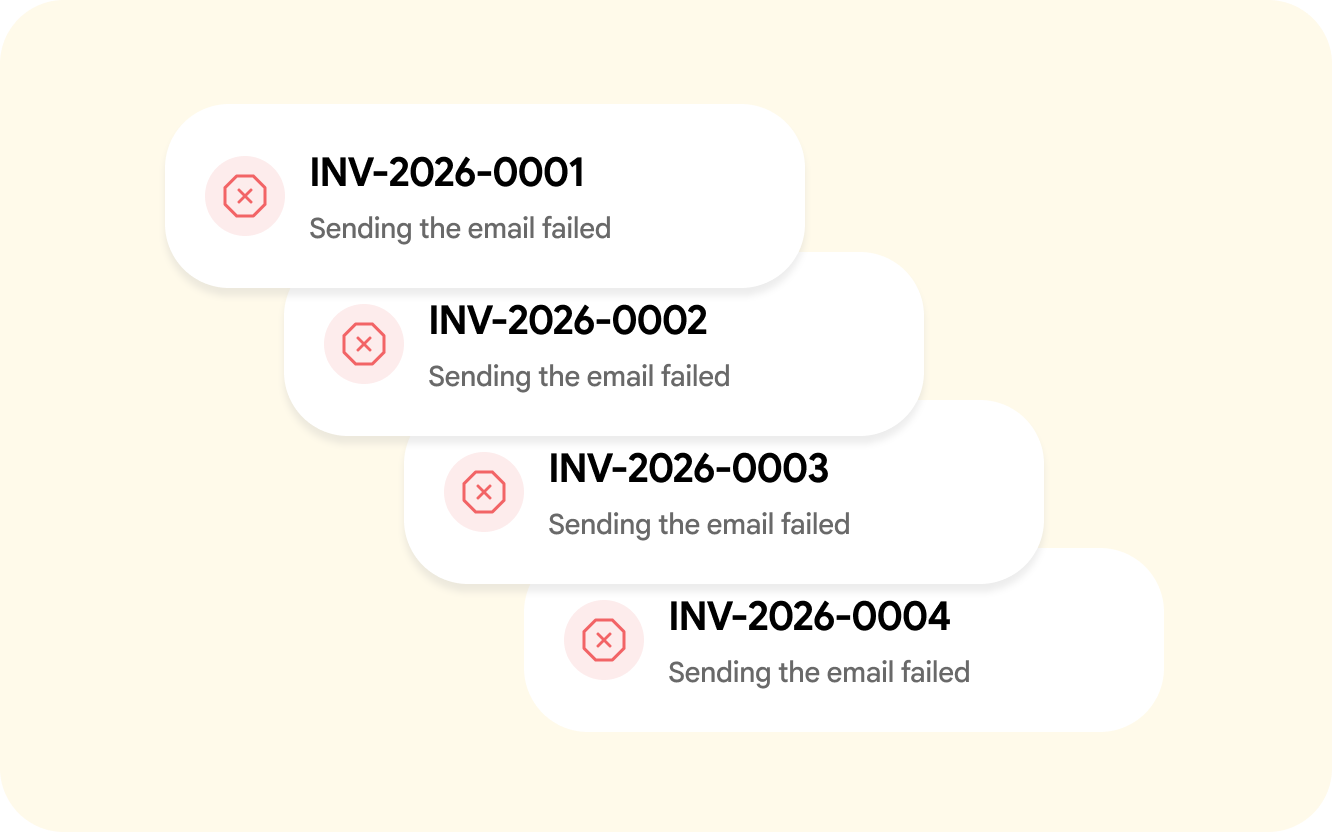
If sending through your server fails, for example after a password or SMTP settings change, Numbero shows a notice in your company profile.
The notice lets you check your SMTP settings and resend the document.
Your credentials are safe
SMTP credentials are stored encrypted, and Numbero uses them only to send documents from your profile.
We recommend a separate app password instead of your main mailbox password. Most email providers offer one, Gmail among them. You can revoke an app password at any time, and the rest of your email keeps working as usual.
Who can use it
Custom SMTP is available during the trial period and on Unlimited and higher plans. You can change your plan under Company profile → Subscription.
SMTP settings and sending limits vary by email provider. Contact support if you need help with setup.
Numbero documents from your address
Prepare documents in Numbero and send them to clients from your own company email.